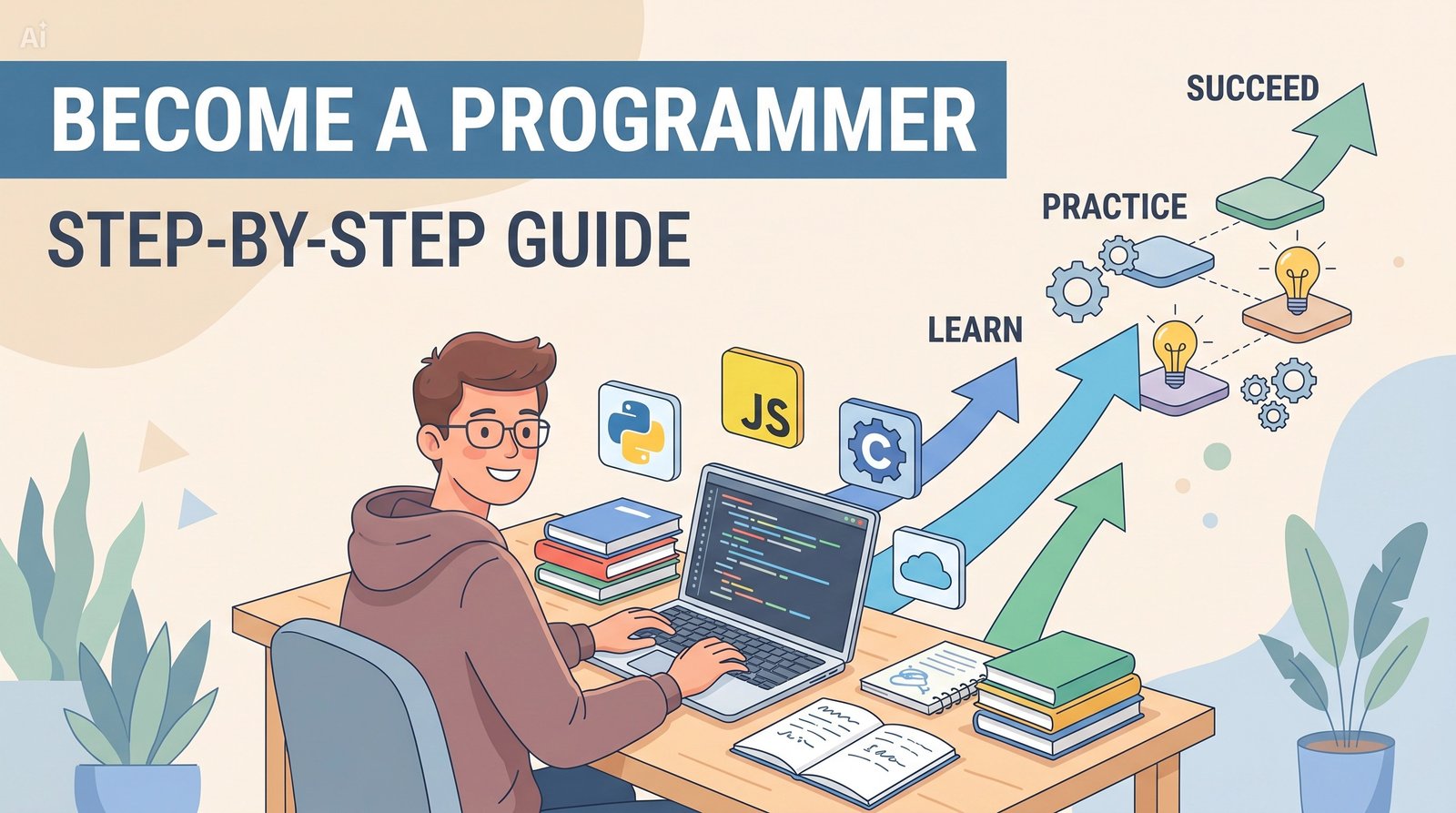
So you want to become a programmer. Maybe you love solving puzzles. Maybe you’ve heard about the salaries. Or maybe you just want to build something that millions of people use. Whatever your reason, you’re in the right place.
This guide is written specifically for students – high school, college, or anyone starting from absolute zero. No jargon. No “just learn to code” fluff. Just a clear, actionable roadmap that will take you from “what’s a variable?” to landing your first junior developer role.
Let’s begin.
Step 1: Understand What Programming Really Is (And Isn’t)
Before writing a single line of code, you need a mental model.
Programming is not about memorizing syntax. It’s about breaking down problems into tiny, logical steps and then telling a computer to execute those steps. The computer is literally dumb – it does exactly what you say. So your job is to be precise, patient, and creative.
Think of it like a recipe:
-
Input: eggs, flour, sugar
-
Instructions: mix, bake at 350°F for 30 minutes
-
Output: a cake
Programming is the same. You take inputs, apply instructions (code), and produce an output.
Key mindset shifts for students:
-
You will fail constantly. That’s not weakness; it’s debugging.
-
You don’t need to be a math genius. Logic > calculus.
-
You can start today. Right now. No special hardware needed.
Step 2: Choose Your First Programming Language (Without Overthinking)
The #1 question beginners ask: “Which language should I learn first?”
Here’s the honest answer: it barely matters. Once you learn one, picking up another takes weeks, not years. But to get started, pick a language that:
-
Has a gentle learning curve
-
Has tons of beginner resources
-
Leads directly to real projects or jobs
Top recommendations for students in 2026:
| Language | Best for | Why it’s great for beginners |
|---|---|---|
| Python | General purpose, data science, AI, backend | Reads almost like English; huge community; instant feedback |
| JavaScript | Web development (frontend + backend) | Runs in every browser; build visible things immediately |
| Java | Enterprise, Android apps, college courses | Teaches strict object-oriented thinking; widely used in CS curricula |
My recommendation for most students: Start with Python. It removes the maximum amount of frustration, and you’ll learn programming concepts (loops, functions, conditionals) that transfer everywhere.
Step 3: Set Up Your Coding Environment (In Under 10 Minutes)
You don’t need expensive software. Here’s the free, student-friendly stack:
-
A text editor / IDE – Start with VS Code (free, works on everything).
-
Python – Download from python.org.
-
A terminal – Built into your computer (Command Prompt on Windows, Terminal on Mac/Linux).
Optional but great: Create a free account on Replit or GitHub Codespaces. These let you code directly in your browser – no installation needed.
That’s it. You are now ready to write real code.
Step 4: Learn the Absolute Fundamentals (2-4 Weeks)
Now the real work begins. Focus only on these core concepts – ignore everything else:
-
Variables – storing data (e.g.,
age = 16) -
Data types – strings, integers, booleans, lists
-
Input & output –
print()andinput() -
Conditionals –
if,elif,else -
Loops –
forandwhile -
Functions – reusable blocks of code
-
Basic debugging – reading error messages
Best free resources to learn these:
-
CS50’s Introduction to Programming with Python (free, Harvard quality)
Pro tip for students: Don’t just watch videos. Code along. Pause the video, type the code yourself, break it on purpose, fix it. That’s where learning happens.
Step 5: Build Your First 3 Small Projects (No Tutorial Hell)
The biggest trap for beginners is “tutorial hell” – watching endless courses without building anything yourself.
Break out by making these three projects. Do not copy-paste. Type every line.
| Project | Concepts practiced | Time |
|---|---|---|
| 1. Mad Libs Generator | Variables, string concatenation, input/output | 30 min |
| 2. Number Guessing Game | Random numbers, loops, conditionals | 1 hour |
| 3. To-Do List (CLI) | Lists, functions, user input loops | 2-3 hours |
After these three, you are no longer a complete beginner. You have actually programmed.
Step 6: Choose a Path – Web, Data, or Software
Programming is a giant field. You don’t need to decide forever, but picking one focus for 6-12 months accelerates your learning.
Three most student‑friendly paths:
🧭 Web Development (Frontend + Backend)
-
Learn: HTML, CSS, JavaScript, React, Node.js
-
Build: websites, web apps, portfolios
-
Job titles: Frontend dev, Full‑stack dev
📊 Data Science / AI
-
Learn: Python, Pandas, NumPy, basic statistics, simple ML models
-
Build: data visualizations, prediction scripts
-
Job titles: Data analyst, junior data scientist
🖥️ Software Engineering
-
Learn: Python or Java, algorithms, data structures, Git, testing
-
Build: desktop tools, automation scripts, simple games
-
Job titles: Software developer, automation engineer
Which to choose?
-
Like design & visuals? → Web dev
-
Like math & patterns? → Data
-
Like logic & systems? → Software
You can always switch later. The core skills (logic, debugging, problem‑solving) transfer.
Step 7: Build a Portfolio That Gets You Hired
Your portfolio is your new resume. For junior roles, employers care much more about what you’ve built than your GPA.
The 3‑project portfolio formula:
-
A polished version of a beginner project (e.g., your To‑Do List with a simple web interface)
-
One intermediate project that uses an API (e.g., weather app, movie search)
-
One original project that solves a real problem you or a friend have (e.g., a study timer, grade calculator)
Where to host for free:
Portfolio tip: For each project, write a short readme explaining:
-
What it does
-
What technologies you used
-
One interesting problem you solved
Step 8: Apply for Internships & Junior Roles (While Still a Student)
You do not need to wait until graduation. In fact, the best time to apply is when you have 3-5 solid portfolio projects and are still a student.
Where students find programming jobs:
-
LinkedIn (filter by “internship” or “entry level”)
-
Wellfound (formerly AngelList) – startups hire students
-
[Your university’s career portal] – many schools have exclusive listings
-
[GitHub Jobs] and [Stack Overflow Jobs]
The student advantage: Many companies have specific “university grad” or “intern” programs that only students can apply to. Use that.
Your application toolkit:
-
1‑page resume focused on projects (not just coursework)
-
Link to GitHub profile
-
Link to live portfolio (even if simple)
-
2‑3 sentence cold email template for reaching out to small companies
Step 9: Keep Learning Without Burning Out
Programming is a marathon, not a sprint. The students who succeed are not the smartest – they’re the ones who show up consistently.
Sustainable weekly schedule for a student:
-
30 minutes daily = 3.5 hours/week → realistic and effective
-
1 project per month → 12 projects per year (more than enough)
-
Join one community (Discord, Reddit’s r/learnprogramming, or a local study group)
When you feel stuck (and you will):
-
Take a 10‑minute walk
-
Explain the problem to a rubber duck (literally)
-
Search the error message on Stack Overflow
-
Ask for help – but show what you’ve already tried
The One‑Page Summary (Bookmark This)
| Step | Action | Time estimate |
|---|---|---|
| 1 | Understand what programming is | 1 day |
| 2 | Pick Python (or JavaScript) | 1 hour |
| 3 | Install VS Code & Python | 1 hour |
| 4 | Learn fundamentals (variables, loops, functions) | 2‑4 weeks |
| 5 | Build 3 small projects | 1‑2 weeks |
| 6 | Choose a path (web/data/software) | 1‑2 days |
| 7 | Build a 3‑project portfolio on GitHub | 4‑8 weeks |
| 8 | Apply to internships & junior roles | ongoing |
| 9 | Keep consistent (30 min/day) | forever |
Final Words for Student Programmers
You don’t need a computer science degree. You don’t need to be a genius. You don’t need to learn 10 languages.
What you need is one small step today. Install Python. Write print("Hello, world"). See it run. That tiny moment of making the computer obey you – that’s the spark.
The rest is just showing up.
Your first action item right now:
👉 Open a new tab and go to python.org. Download Python. Then come back and tell me in the comments (or your notebook) – “I did it.”
You’ve got this.
Need more help? El Bahja Academy offers structured mini‑courses, project walkthroughs, and a student community. Check out our courses here.